Boba Cafe Simulator Wiki Tools
Checklists and planners you can use between game sessions to prep smarter shifts.
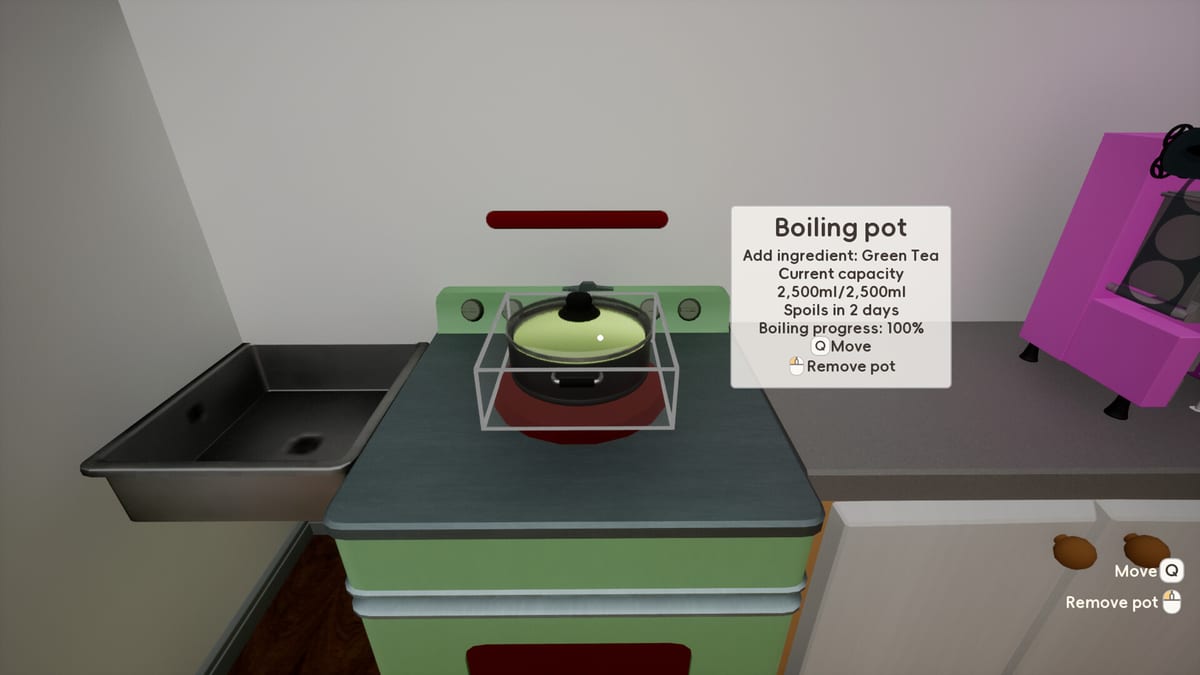
Some Boba Cafe Simulator planning happens outside the game client — before you flip the open sign, before you list another recipe on the phone, before three delivery tickets collide with a pearl pot. This Tools hub collects interactive wiki utilities that mirror how experienced managers prep in Sugarville. They do not automate gameplay; they help you decide what to stock, what to list, and what to leave off the menu until your counter can handle it.
Each tool page includes a live component you can tick or toggle during planning. Pair them with written guides in Getting Started, Controls, and the Tier List hub.
Available tools
Morning prep checklist
The Prep Checklist tool walks through slow steps that cause rush-hour failures: pearls, green tea, coffee grinds, fruit cuts, cup boxes, thin and wide straws, sealing film, milk, and spoilage checks. Use it after you review the phone menu and before you power on machines.
It is especially valuable on days boba or fruit drinks move from B-tier to active service in the Early Game Tier List.
Early menu planner
The Menu Planner tool estimates prep load from your intended listings — lemonade, coffee, boba, and optional fruit lines. Toggle drinks on or off to see when the planner warns that slow recipes overlap. The goal is a small menu served perfectly, the same strategy emphasized in the Recipes hub and Profit Drinks tier list.
Run the planner when friends join co-op so roles match menu weight: one pearl cook, one register, one delivery once takeout unlocks.
When to use wiki tools vs in-game apps
In-game, B opens the phone for Recipes, Takeout, Bills, Social, and staff apps. Wiki tools sit before that step — they help humans agree on a plan, not replace listing drinks on the phone. Always confirm final menu state in the Recipes app; a checklist tick does not activate customer orders.
Settlement data from Enter at day end should feed back into tools. If refunds clustered on missing wide straws, reset the prep checklist’s straw line tomorrow. If a fruit drink never sold, remove it in the menu planner before you waste cutting time.
Tools and other wiki categories
Controls — keyboard reference for E, B, Enter, and co-op middle mouse pings while you execute a checklist plan.
Build — after the planner approves boba, verify your induction cooker, topping bowl, and sealer sit in one loop.
Delivery — only add delivery-heavy drinks once the planner shows spare prep capacity; manual order acceptance prevents backlog.
Review — launch week context on co-op depth and tutorial gaps that make planning tools valuable for complex recipes.
Updates — patch notes on farming, fishing, settlement, and multiplayer quality-of-life may add new checklist lines over time.
Suggested session workflow
- Read patch notes on Updates if you played last week
- Open Prep Checklist and mark slow prep complete
- Open Menu Planner and cap active drinks
- Launch the game, press B, mirror the plan on the phone
- After settlement, adjust tiers in Tier List if refunds spiked
Future tool ideas
As the wiki grows, additional calculators — delivery commission comparisons, friendship gift pickers, night-mode shift timers — may appear here. Workshop decorations and modded recipes will stay outside official tool defaults unless Caikemi documents them in patch notes.
For now, master the two core tools linked above. They translate the most common beginner mistakes — opening before pearls finish, listing fruit without juice prep — into a five-minute pre-shift routine you can repeat every in-game morning without reopening the wiki mid-shift.
Frequently Asked Questions
Quick answers for new and returning cafe managers.
Do wiki tools change my in-game save?
No. Prep Checklist and Menu Planner are planning aids on this website. You still list drinks and stock ingredients inside the game with the B phone menu.
Which tool should I use first as a new player?
Start with the Prep Checklist after reading Getting Started. Add the Menu Planner once you unlock coffee or boba and feel tempted to list every recipe at once.
Can I use these tools in co-op planning?
Yes. Share the checklist and planner with friends before a session so one player owns pearls, another owns register and inspection, and delivery stays off until the planner shows spare capacity.
How do tools relate to tier lists?
Tier lists rank drinks by complexity and profit. Tools help you act on those ranks by limiting menu size and confirming slow prep before you open.
Will more wiki tools be added?
This hub will expand as players request calculators for delivery fees, seasonal menus, or staff scheduling. Check Updates for patch-driven changes first.